
Ninja Forms
01
View Form Submissions
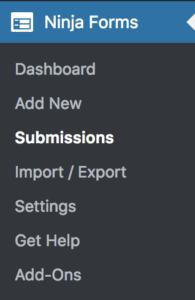
Navigate to Ninja Forms > Submissions.
Select a form using the ‘Select a form‘ dropdown. 
Most details will be laid out in the table. To view more information, hover over the entry and click the ‘Edit‘ link.
02
Add a New Form
Learn how to create a new form.
Learn what the different field types mean.
03
Edit an Existing Form
Navigate to Ninja Forms.
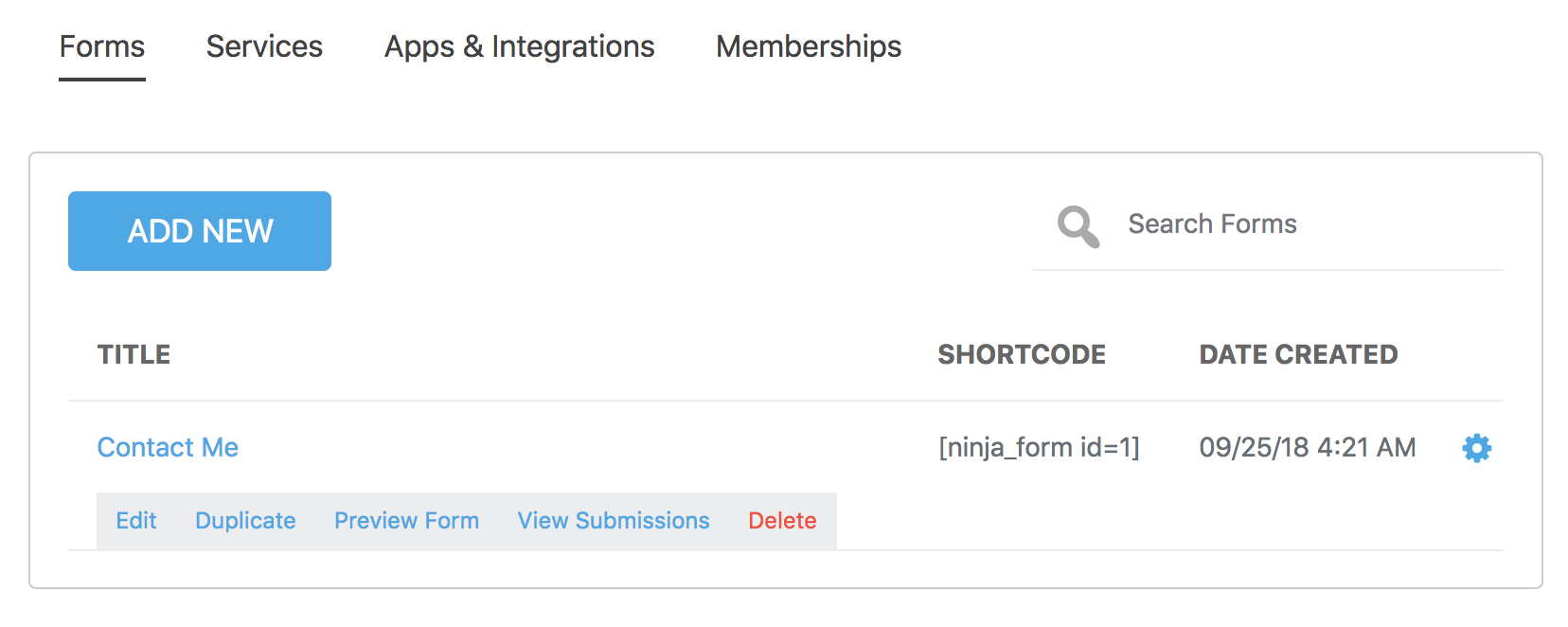
Hover over the form you wish to edit, and click the gear icon. Next click the ‘Edit‘ link.
Most details will be laid out in the table. To view more information about the submission entry, hover over the entry and click the ‘Edit‘ link.